
Our documentation answers for itself.
WebWorks docs are built with ePublisher, published as Reverb 2.0, and answered by the AI Assistant. Ask it something — then click the citation.
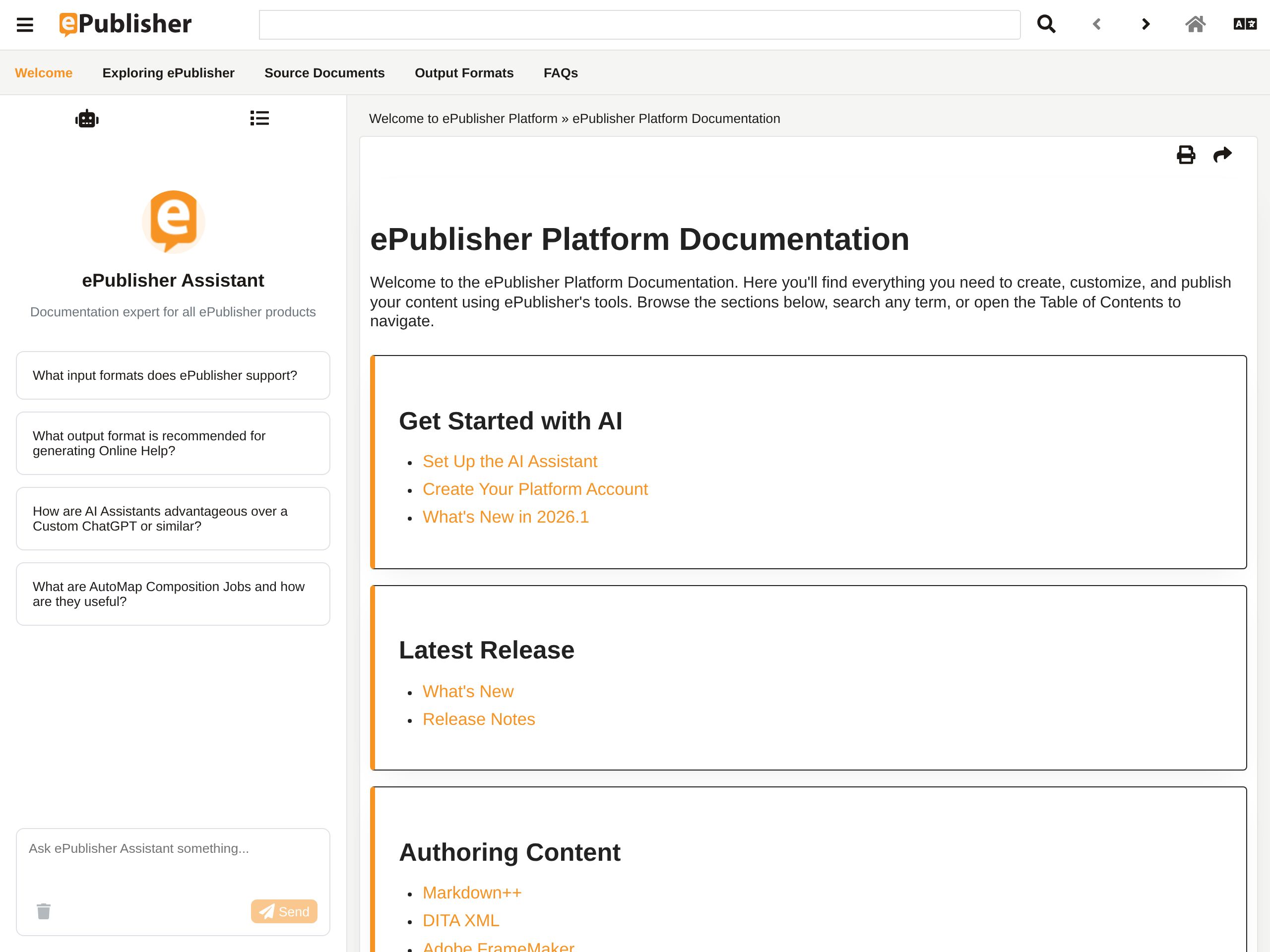
These are the docs our customers use.
The link opens the WebWorks ePublisher help set at the address our customers read it at. It is the working documentation, not a demo environment — nothing is seeded for the occasion, and there is no account to request before you can use it.
The AI Assistant tab is in the Reverb Menu, next to Contents and Index. Ask a question there and the answer arrives on the page you are already reading.
The site is federated. Release notes, what's new, and the manual are separate parcels, each published on its own schedule and composed into one set of navigation, search, and index.
Three questions to try.
How do I add the AI Assistant to my Reverb 2.0 output?
A how-to with a target setting behind it. Watch where the citation lands.
What's new in ePublisher 2026.1?
A release question. The answer draws on the parcel that gets republished with every build.
How do federated documentation sites work?
The site answering this question is itself federated — you can check the answer against what you are looking at.
Whatever it answers, click the citation. It lands on the exact passage the answer came from.
How this was made.
Four layers, one publish. Every one of them is a product you can run on your own documentation.
Markdown++ sources
Every topic behind that site is authored in Markdown++ — plain text that stays valid Markdown, with the structure carried in extensions.
Explore Markdown++Built by ePublisher
ePublisher 2026.1 publishes the site and, in the same pass, the Knowledge Base the Assistant answers from.
Explore ePublisherHosted on WebWorks Platform
Platform holds that Knowledge Base and runs a new search against it for every question a reader asks.
Discover PlatformAnswered inside Reverb 2.0
The Assistant is a tab in the Reverb Menu of the published output — the same page the reader is already on.
Explore Reverb 2.0What you're seeing.
The Knowledge Base comes out of the same publish that produced the pages you are reading, and every question runs a fresh search against it — not a snapshot taken once at index time.
Retrieval and navigation address the documentation through the same landmark IDs, so a citation is a coordinate rather than a guess at a nearby page. Click one and you are on the passage the answer came from.
The Assistant is scoped to this documentation set and instructed not to invent setting names, values, or version specifics. Ask about something the docs do not cover and you get the boundary instead of a guess.
The Embedded Assistant is here too.
The AI Assistant in the corner of webworks.com is an Embedded Assistant. It answers from this website, which Platform imports from its sitemap, and it was installed with one line in the site's layout. No ePublisher build is behind it.
Ask it about products, pricing, or where to find something. For in-depth product questions, ask the Reverb Assistant in the documentation above.
Your docs can do this on your next publish.
Configure an Assistant on WebWorks Platform, point your Reverb 2.0 target at it, and the next build ships the same thing you just used — answering from your documentation, citing your topics.