
Every answer shows its work.
The Reverb Assistant is the AI Assistant built into Reverb 2.0 help. It answers in depth from your documentation and cites the exact passage, so readers can check every claim.
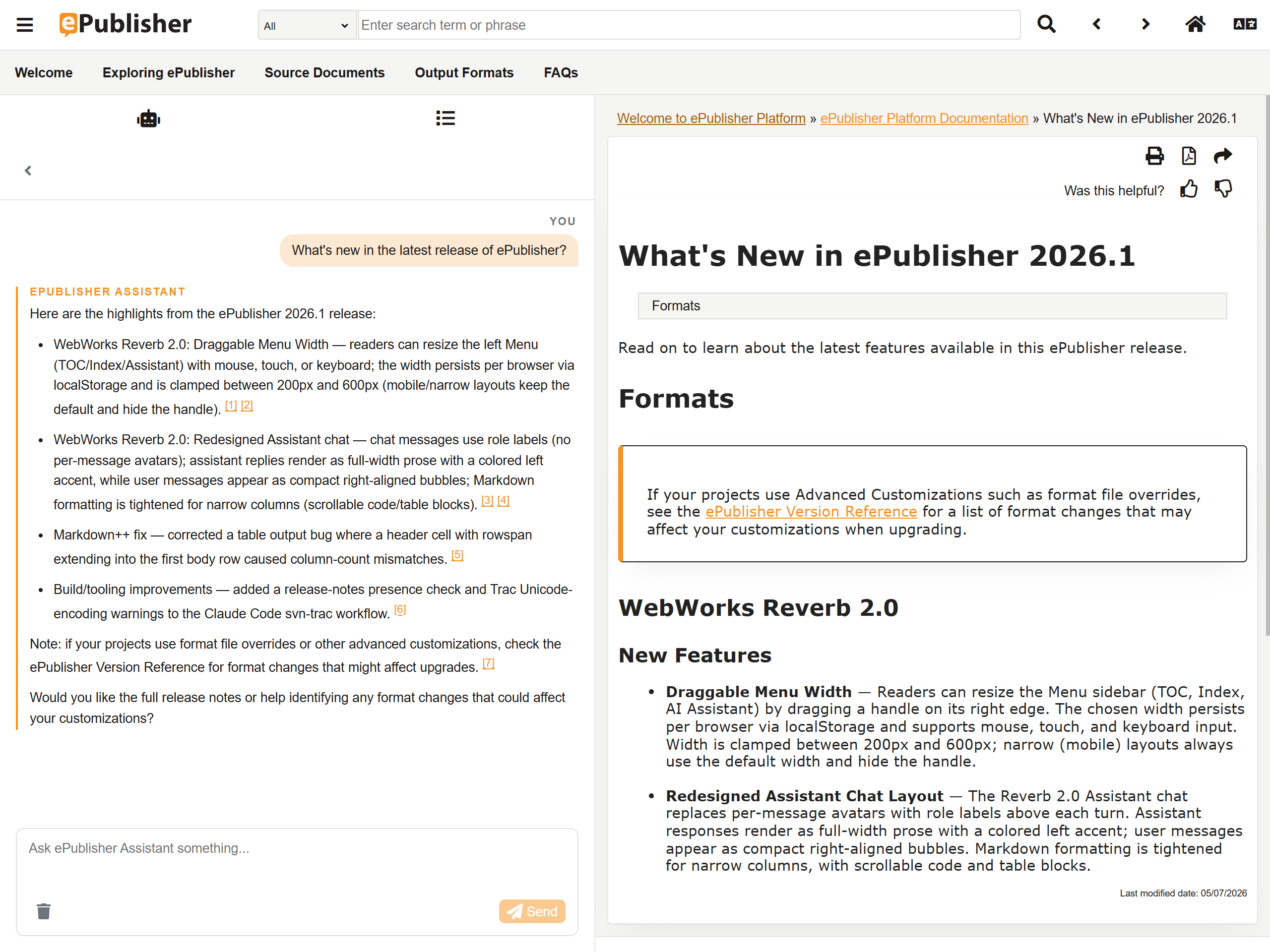
Readers ask on the page they're already reading.
The Assistant ships in the Reverb 2.0 Menu, alongside Contents and Index. A reader opens it from the topic they are already on, asks in plain language, and the answer arrives in the same window — with the documentation still on screen beside it.
There is no separate chat portal and no account for your readers to create. The chat surface is part of the published output you host, so the people reading your documentation never sign in to anything to use it. The login is yours, for configuring the Assistant.
Citations that click through.
Citations resolve to landmark IDs — the same addresses the published topics expose. With 2026.1's
Source ID landmark format
, those are addresses the author chose (#configure-tls-certificates), not hashes the build
invented.
Retrieval and navigation share one coordinate system, so a citation is a coordinate rather than a guess at a nearby page. The link lands on the passage that grounds the answer, and a reader who wants to check a claim is one click from the sentence it came from.
In published help, [1] opens
#configure-tls-certificates and [2] opens
#tls-minimum-version — the topic, at that landmark.
Fresh on every publish.
The Knowledge Base comes out of the same build as the pages.
Retrieval runs against what you just published.
Every question runs a fresh search of your published Knowledge Base. Nothing is answered out of a snapshot taken once at index time, so an answer reflects the documentation set as it stands rather than as it stood when someone last built an index.
Republish your documentation, upload the new Knowledge Base archive, and the next question retrieves the new content. There is no manual re-index step to schedule and no vendor crawl to wait on — the Assistant inherits whatever publishing cadence you already run.
Honest when the docs run out.
When your documentation doesn't cover a question, the Assistant says so. It is scoped to your Knowledge Base and to the Instructions you wrote, and it is instructed not to invent setting names, values, or version specifics. A reader gets the boundary instead of a plausible guess.
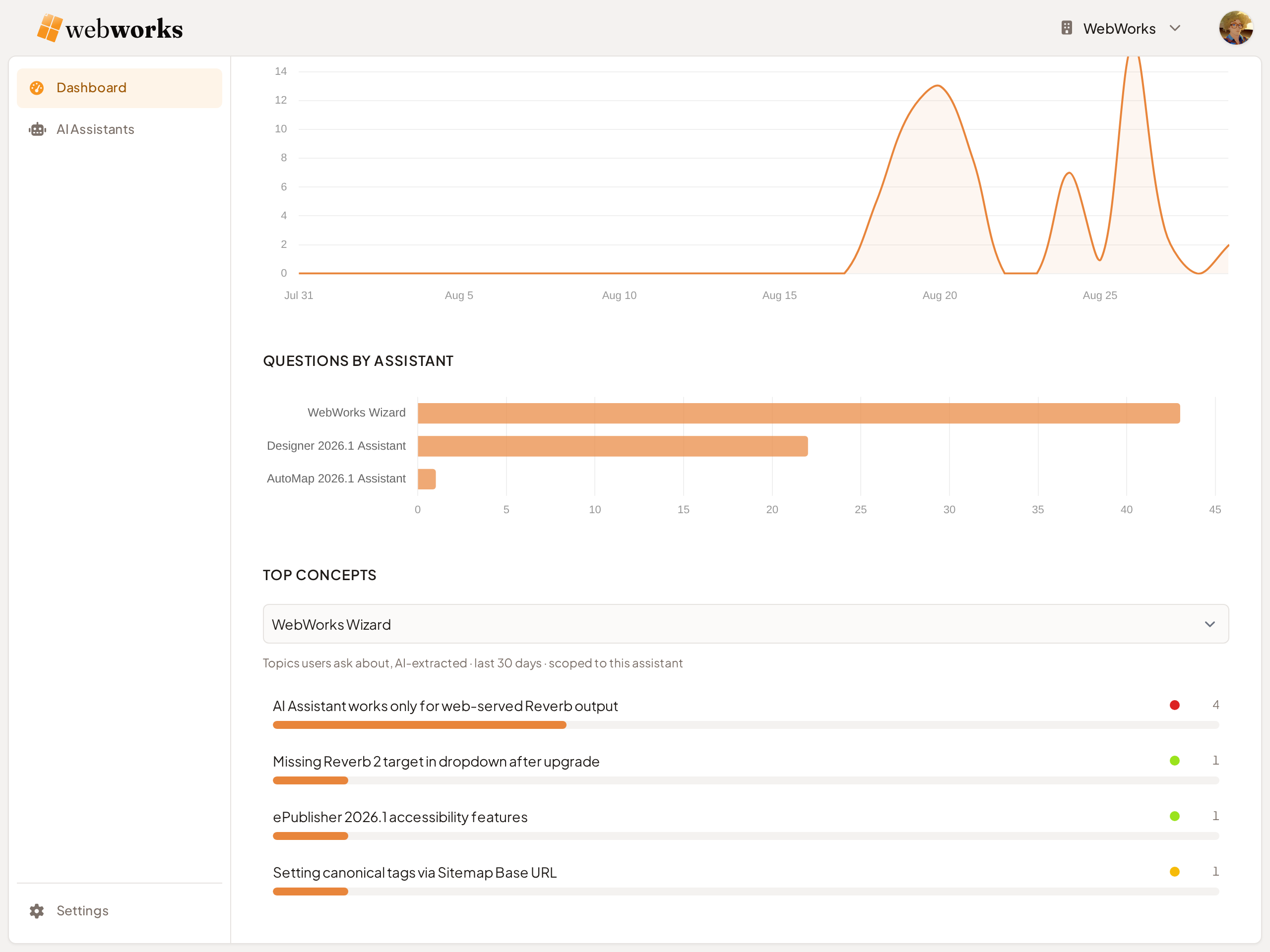
The question doesn't disappear with the refusal. It surfaces in the Platform dashboard's Top Concepts, ranked alongside everything else your readers are asking about — so the gaps in your documentation arrive as a prioritized writing list rather than as a support queue.
Powered by WebWorks Platform.
The Assistant runs on WebWorks Platform. Assistants, Knowledge Bases, budgets, and per-visitor allowances are configured there; the published help invokes what you set up. Your readers never see Platform, and you decide what it is allowed to spend on their behalf.
The same service puts the Embedded Assistant on your website with one line of script. It answers the broad questions and sends the deep ones here.
Create an Assistant and write the Instructions that define its role, scope, and refusal behavior. Its Assistant ID is what you paste into the Reverb 2.0 target, so the published help knows which Assistant to invoke.
Upload the Knowledge Base archive your build produced. Platform versions each upload, so a build that introduced a problem can be rolled back without republishing.
You set the daily budget an Assistant may spend. At that ceiling it keeps answering on the free model, or pauses until the next day if you prefer, and you get an email. Preview and testing are never affected.
You set how many messages one visitor may send in a window. Genuine documentation questions stay well inside it; someone using your Assistant as a general-purpose AI meets a countdown rather than an error.
How you turn it on.
Setup happens once per Assistant and spans the two products you already have open — Platform for the Assistant, ePublisher for the target that invokes it.
Create an Assistant on Platform
In WebWorks Platform, create an Assistant and write its Instructions — the role, scope, and refusal behavior you want it to hold to. The Instructions are yours; no vendor persona is layered on top of them.
Enable Generate Assistant on your Reverb 2.0 target
In ePublisher, switch on the Generate Assistant target setting and paste in the Assistant ID. That is the whole wiring change — the chat surface is part of the Reverb 2.0 output, not a separate deployment.
Build
Run the build. With Generate Knowledge Base on, the Knowledge Base archive is produced in the same pass as the HTML helpset — one Markdown file per page, sharing the helpset's landmark IDs.
Upload the Knowledge Base and set your origin domains
Back in Platform, upload the archive to the Assistant and add the domains your help will be served from to Origin Domains, so the Assistant answers requests coming from your published site.
Deploy
Publish the Reverb 2.0 output at that domain. Readers open the help and the Assistant is in the Menu, next to Contents and Index.
Grounded answers on your next publish.
See it running on our own docs.
WebWorks documentation is built with ePublisher, published as Reverb 2.0, and answered by the Assistant at the address our customers read it at. Ask it something, then click the citation.