

Documentation.
Help sets, guides, and FAQs for every WebWorks product — with the ePublisher Assistant, the AI Assistant inside the published docs, ready to answer first.
Ask the ePublisher Assistant. Right inside the docs.
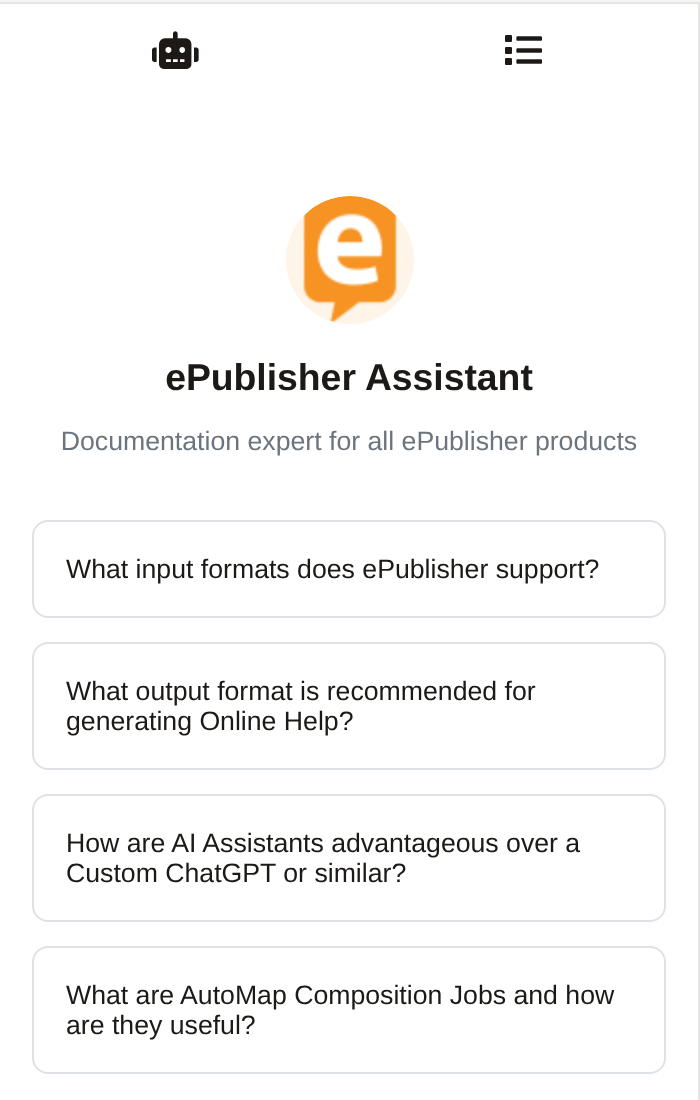
The ePublisher Assistant is the AI Assistant running inside our published documentation — the same AI-assisted help we ship to customers, answering on our own docs. Open the help set, ask in plain language, and it answers from the current publish with citations that land on the exact passage.
Because its Knowledge Base is generated from the same build as the pages themselves, the Assistant is the most current, most domain-accurate way to search the documentation. Start there; the reference library below is always one click away.
Reference resources.
In-depth ePublisher documentation covering the platform's features, functionalities, and best practices. From installation guides to advanced usage scenarios — with the ePublisher Assistant in the Reverb Menu.
Explore documentationNew to ePublisher? The trial guide walks you through setting up and using ePublisher for the first time — install, first project, first publish.
Get startedQuick answers to the questions users actually hit, compiled from years of support conversations — clear, concise, and linked into the deeper documentation.
Browse FAQsThe extensive knowledge base of the WebWorks Wiki — a community-driven platform filled with articles, tutorials, and insights contributed by both our experts and users.
Explore the WikiSetting up AI Assistants for a website or for Reverb 2.0 help, giving them knowledge, and managing plans and billing.
Open the helpWebWorks Wizard, in ChatGPT.
Before the AI Assistant was built into our docs, WebWorks Wizard answered ePublisher questions in ChatGPT as a custom GPT. It's still there if you want to chat inside your own ChatGPT account — just know it answers from a periodic snapshot, so for current, citable answers the ePublisher Assistant in the docs is the one to trust.
Chat with the custom GPTExplore each of these help sets to find the information you need. If you have any further questions or need assistance, join the WebWorks Community or contact our support team.